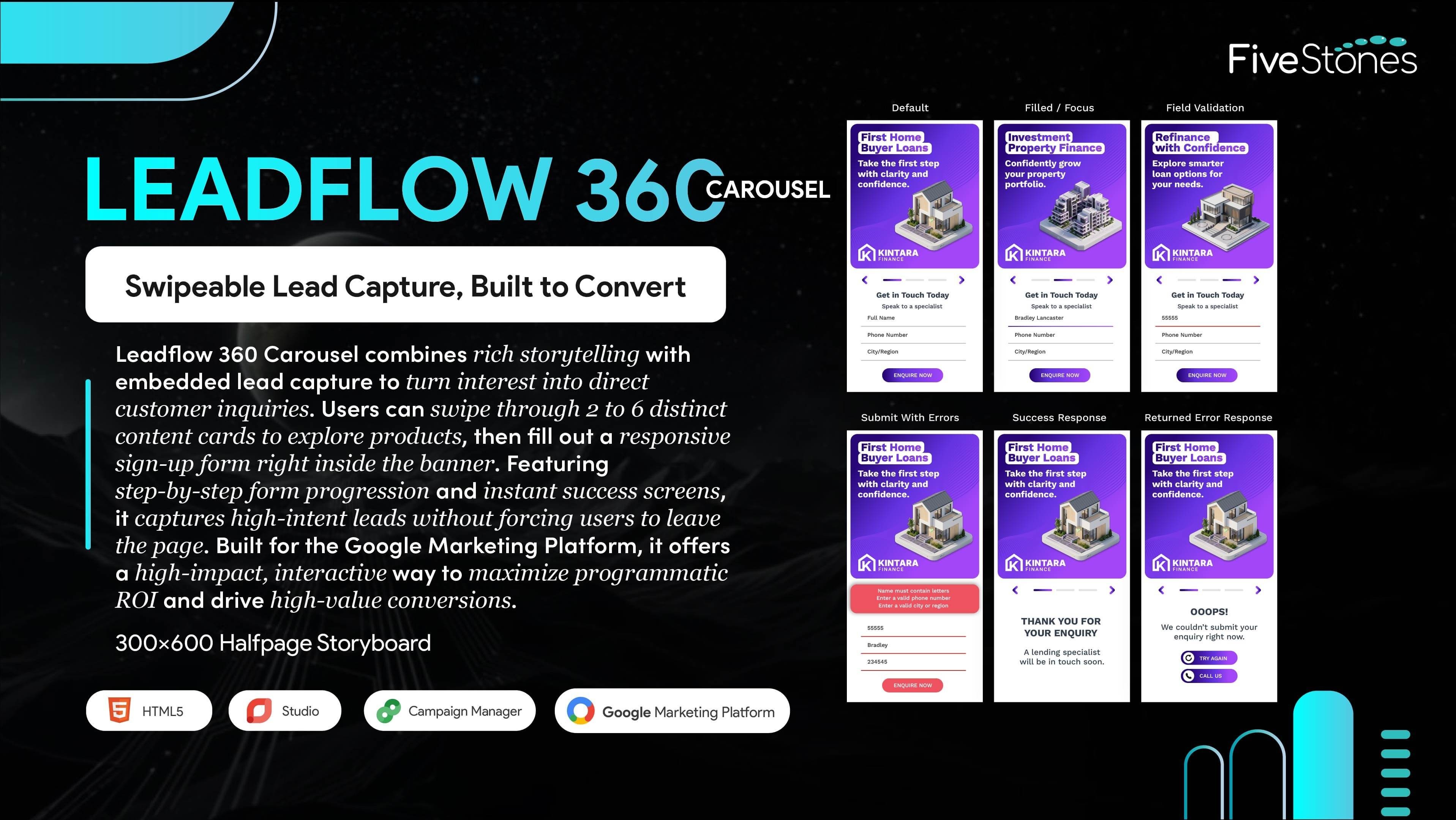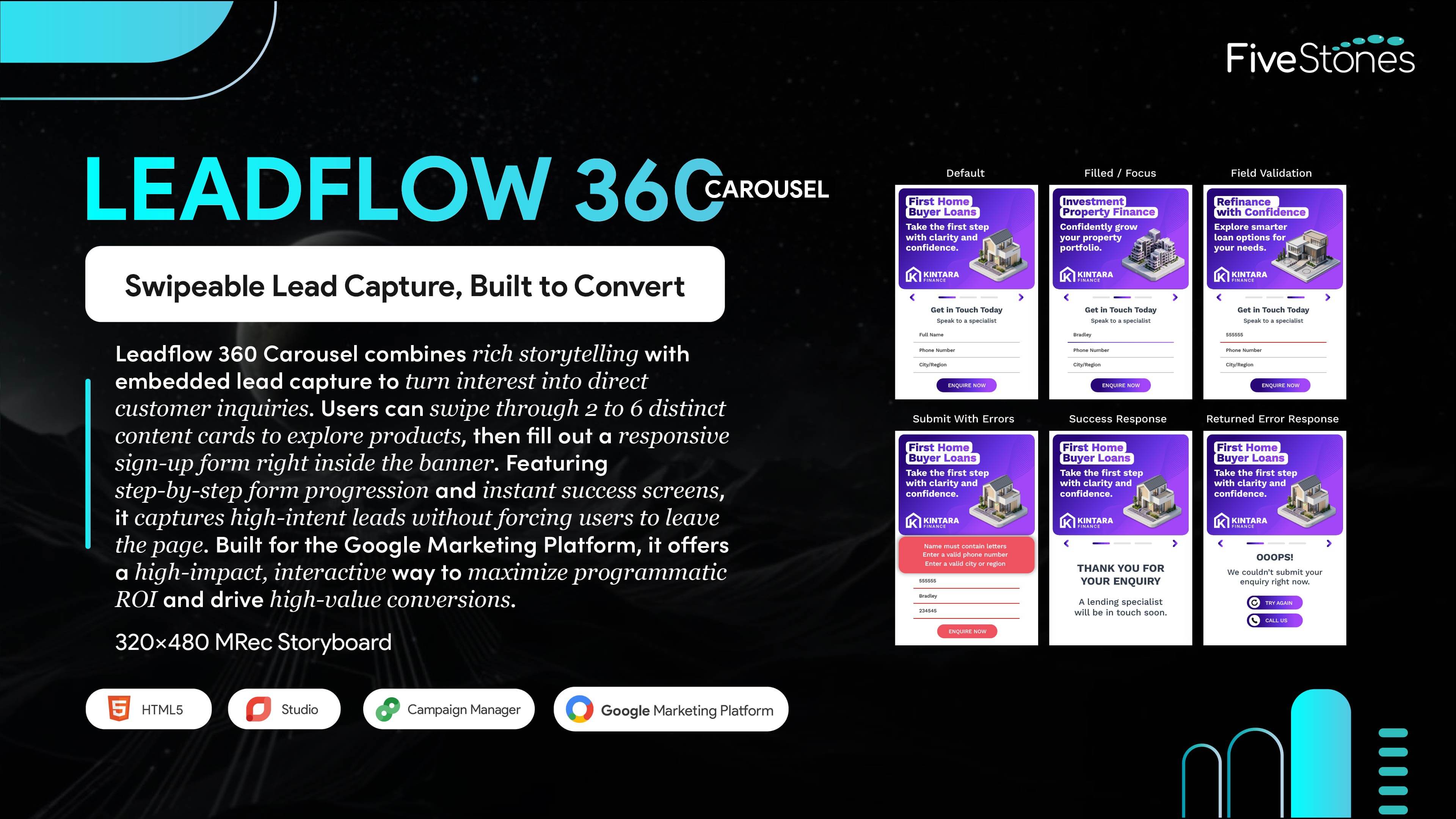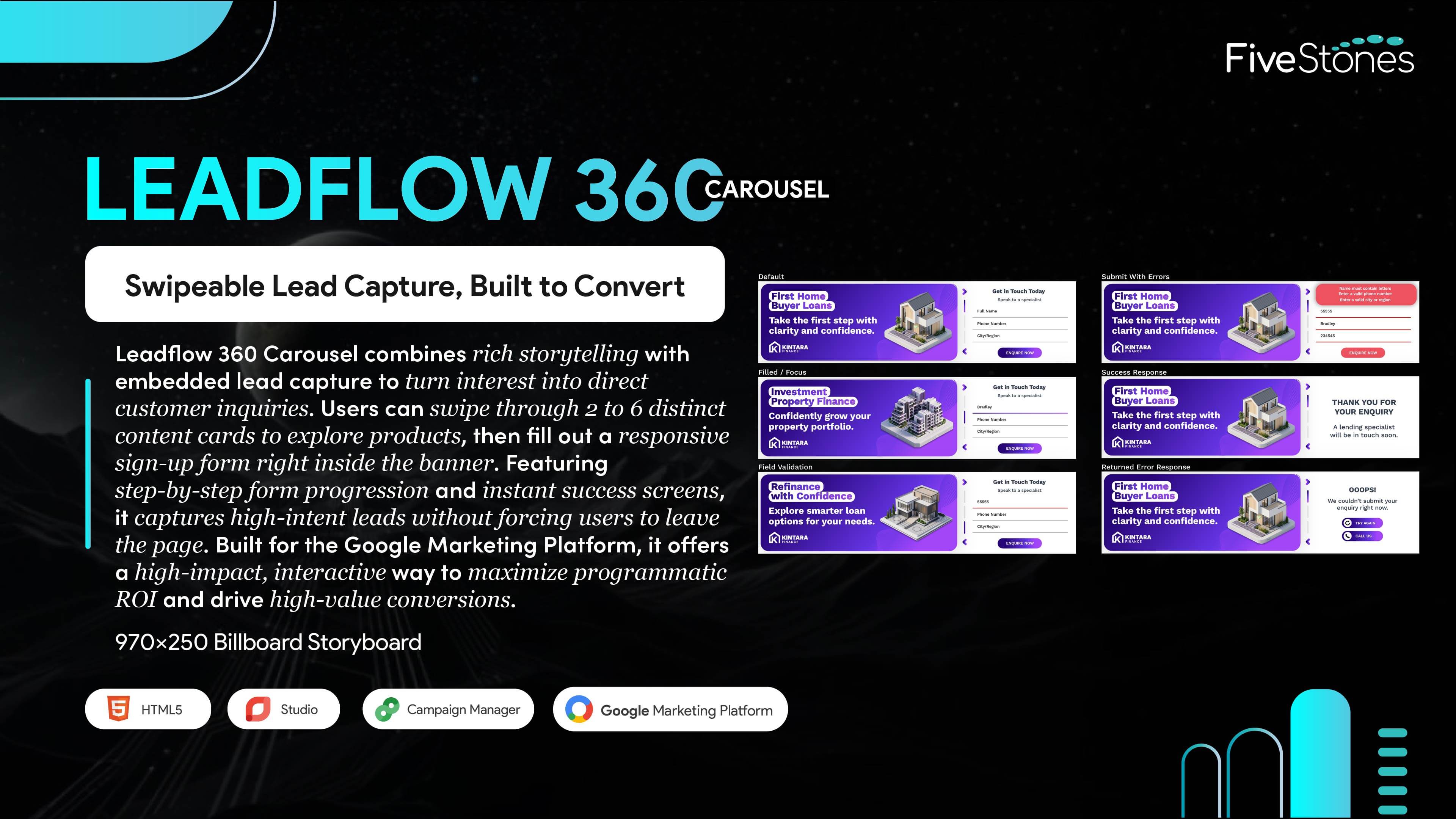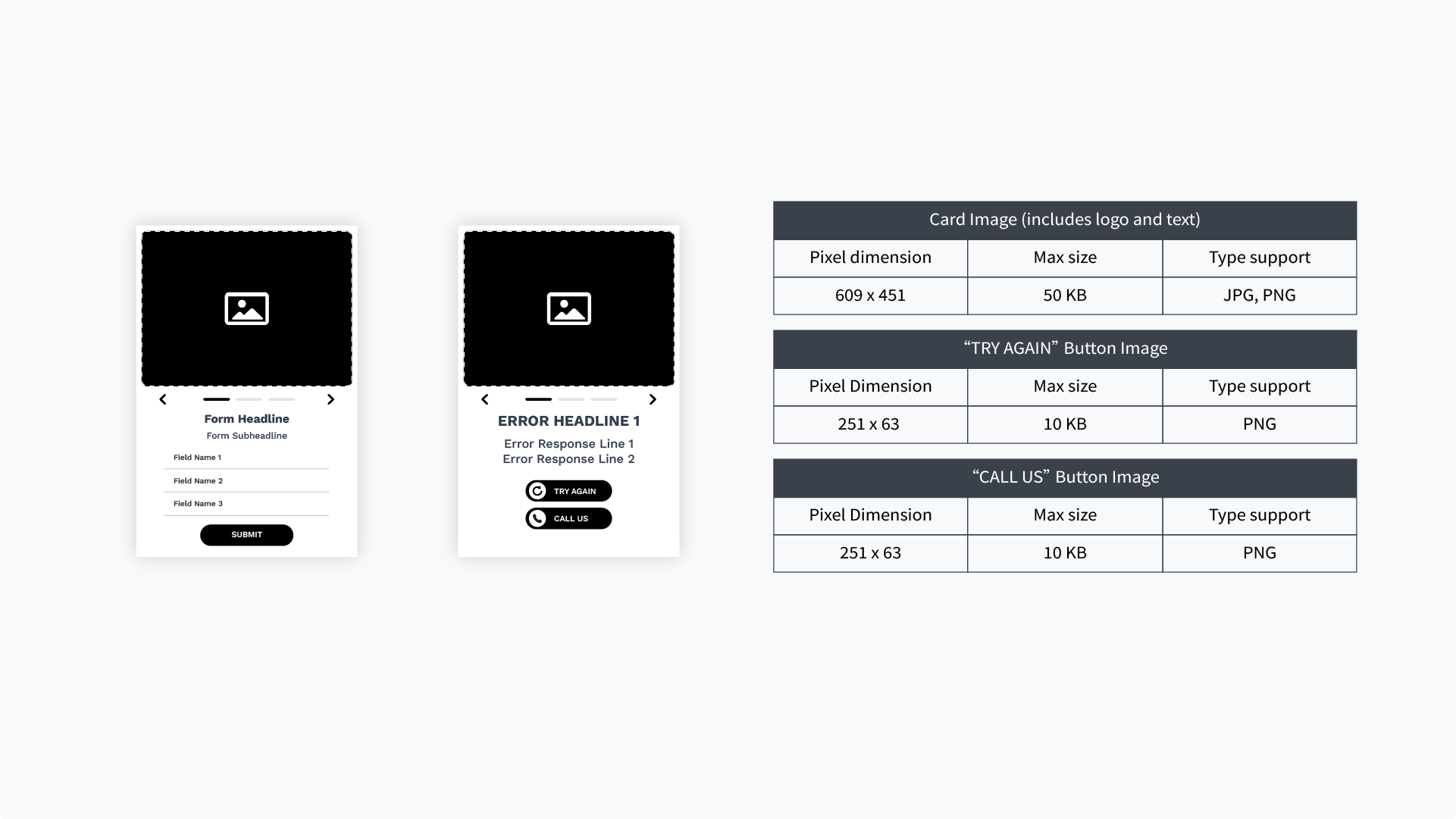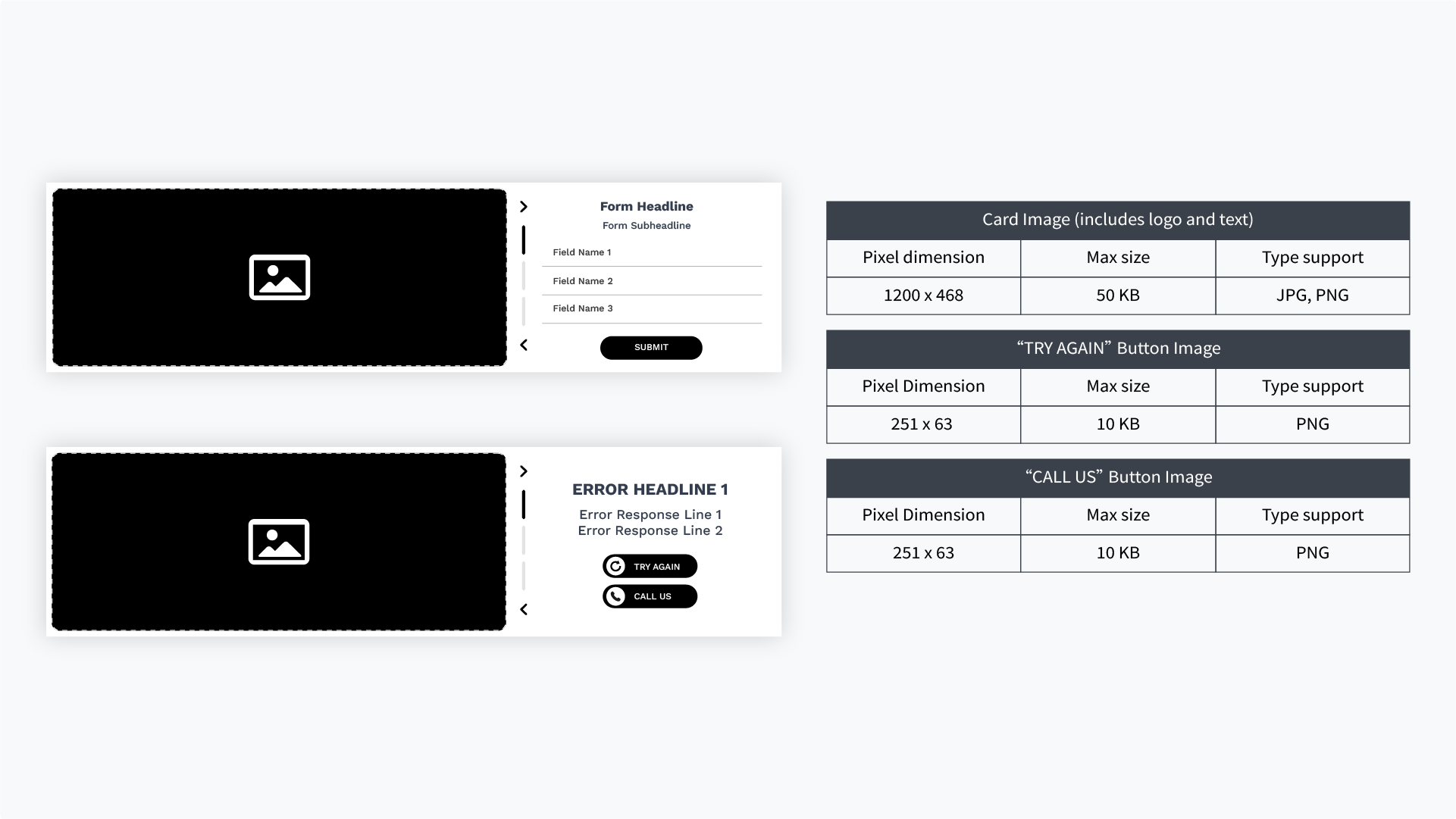




Best for: Consideration, Conversion
Sizes: 300X600, 320x480, 970x250
Devices: Mobile Web, Desktop
Platform: Studio, CM360
Ad Type: Rich Media
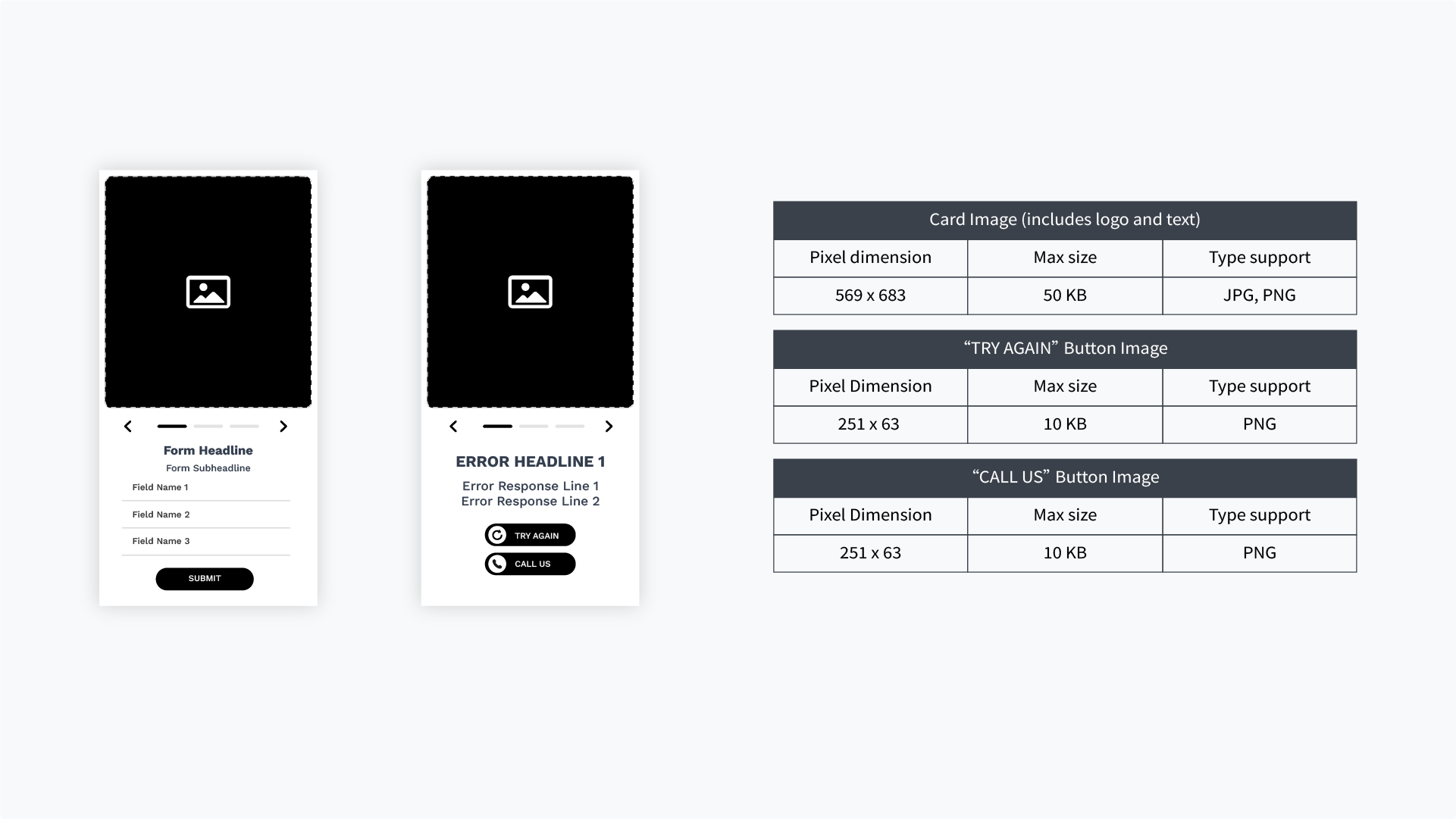
Assets: Cards Image 2-6, Text, Branding, Form Fields, Response States
Format Type: Lead Gen, Form




The LeadFlow 360 Carousel is an interactive banner ad. It lets users swipe through a series of content cards and fill out a sign-up form directly inside the ad itself. This makes it easy to share a story and collect customer information without forcing people to leave the website they are browsing.
The format supports three industry-standard dimensions: 300x600 (Halfpage / Desktop & Mobile Web), 320x480 (Mobile Interstitial), and 970x250 (Billboard / Desktop).
Brand Basics: Your logo, custom fonts, brand colors, terms & conditions text, and a link to your privacy policy.
Carousel Cards: 2 to 6 images or videos, along with headlines, text, and button copy for each slide.
Form Details: The text fields or checkboxes you want to use for your sign-up form.
Users can swipe or click arrows to view 2 to 6 different content cards. They can also fill out text boxes, check option boxes in the form, and view a custom "thank you" or confirmation screen once they submit their information.
It works great for building brand awareness and sharing product details. However, it is specifically designed for Lead Generation. This makes it perfect for campaigns where your main goal is getting sign-ups, registrations, or customer inquiries.
This format is built for the Google Marketing Platform. It uses Google Studio for the tracking setup and is sent live through Campaign Manager 360 (CM360).
Yes. You must provide a standard, flat backup image (JPG or PNG) for each size you run. This ensures that if a user has a weak internet connection or an old browser that can't load interactive ads, they will still see a clean, static version of your ad.
The ad can track specific user actions if your team chooses to set them up. While not required to launch the ad, your developers can add tracking to see exactly how users interact with the carousel and the form. This includes counting left or right arrow clicks, tracking which specific carousel card was viewed, seeing when users click into fields like Name or Number, and tracking successful submissions or form errors. If you choose to add these features, the data will show up right next to your standard clicks and impressions in your campaign reports.
Yes, absolutely. You can set up a unique website link (landing page) for each individual card. This means if a user clicks on Card 2, you can send them directly to the exact product page for that specific slide.
Yes. The ad layout is fully compatible with dynamic data feeds. This means your text, card images, and button links can automatically change in real-time based on who is viewing the ad, where they are located, or other campaign data.