



Best for: Conversion, Consideration, Awareness
Sizes: 300×600, 320×480, 300×250, 728x90, 970x250
Devices: Mobile Web, Desktop
Platform: Studio, CM360
Ad Type: Rich Media
Assets: Cruise feed (destination, ship, sail date, departure port, price, image, landing URL)
Format Type: Data-Driven, Travel, Cruise, Carousel, Shoppable




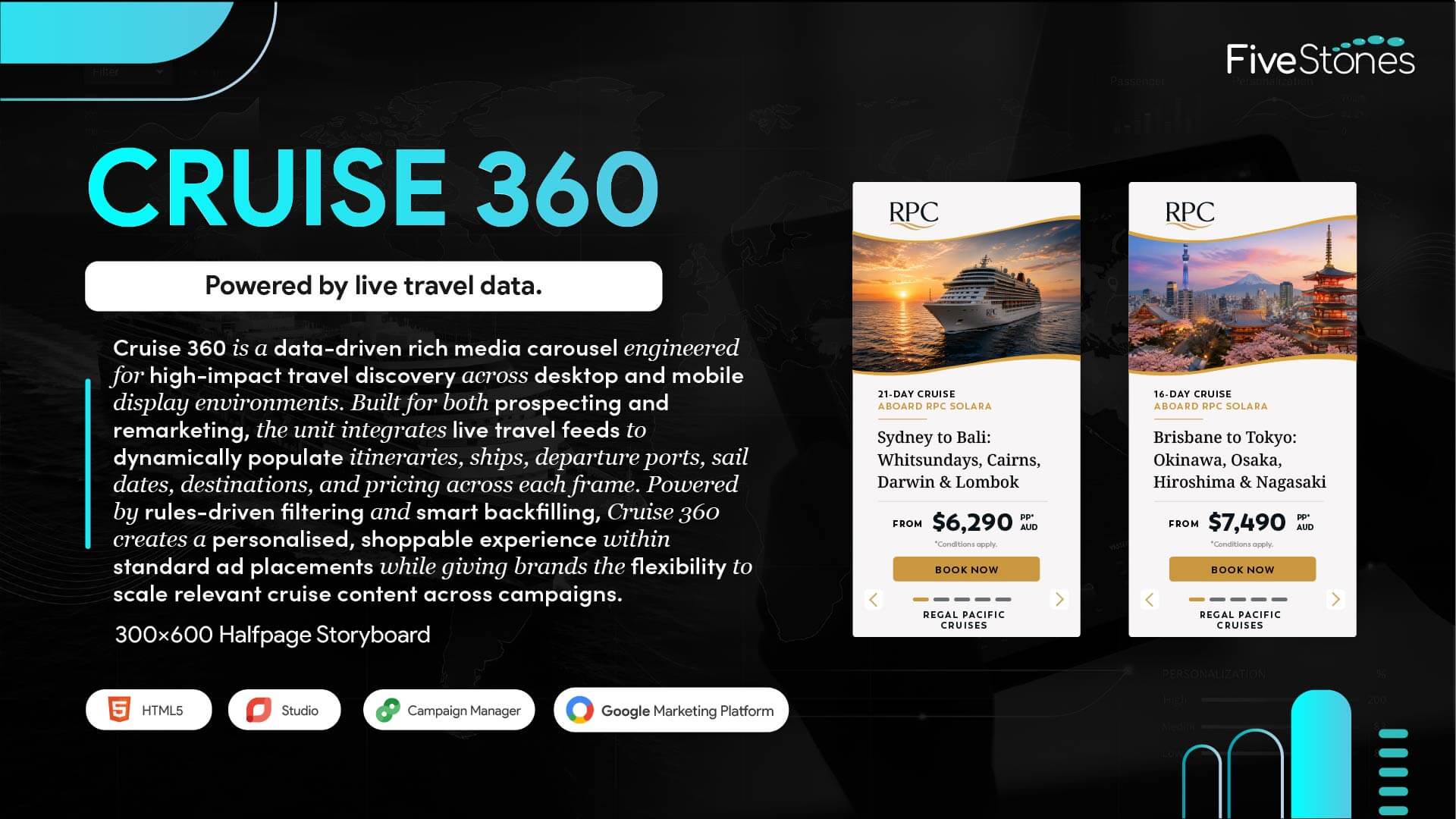
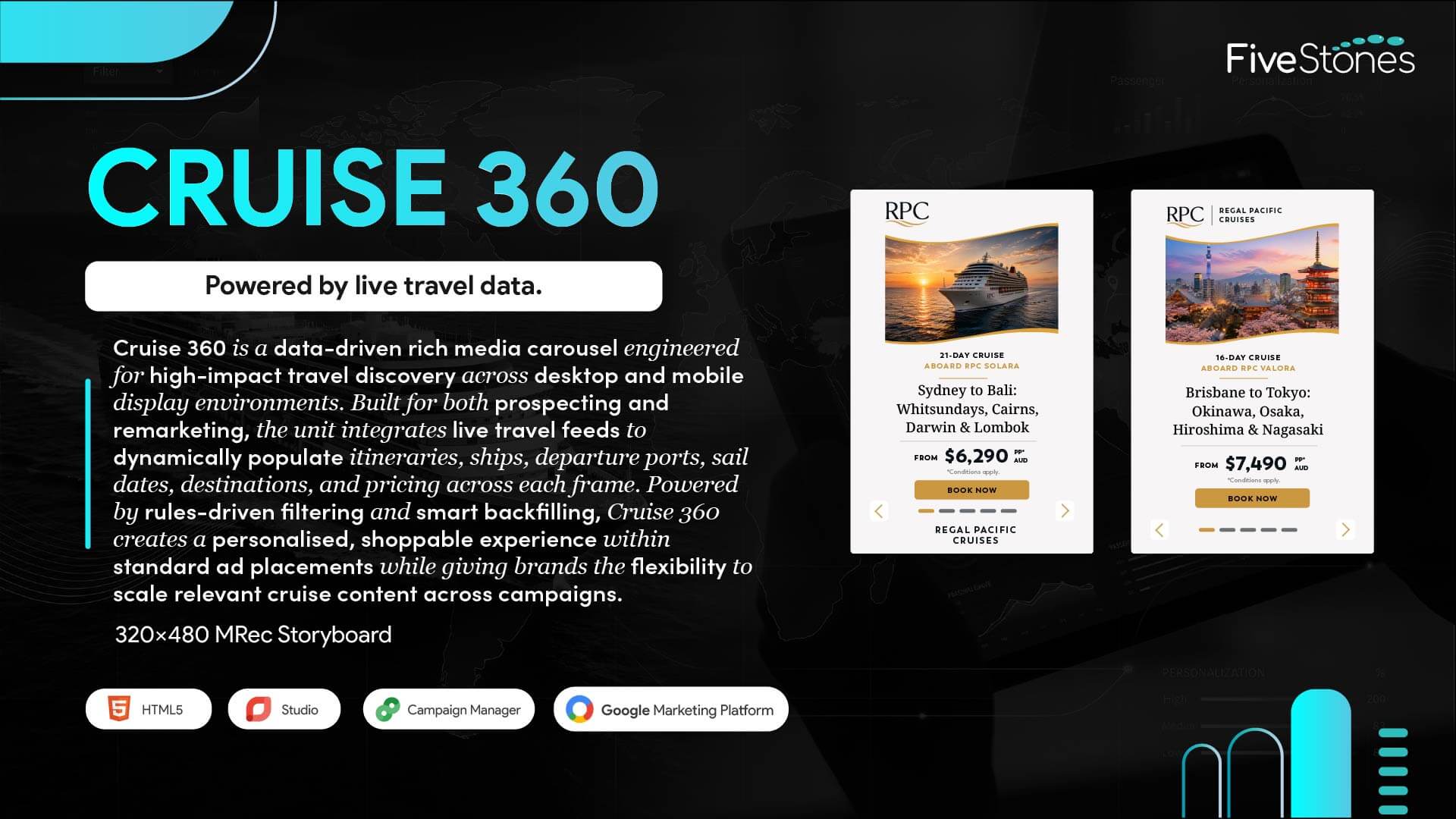
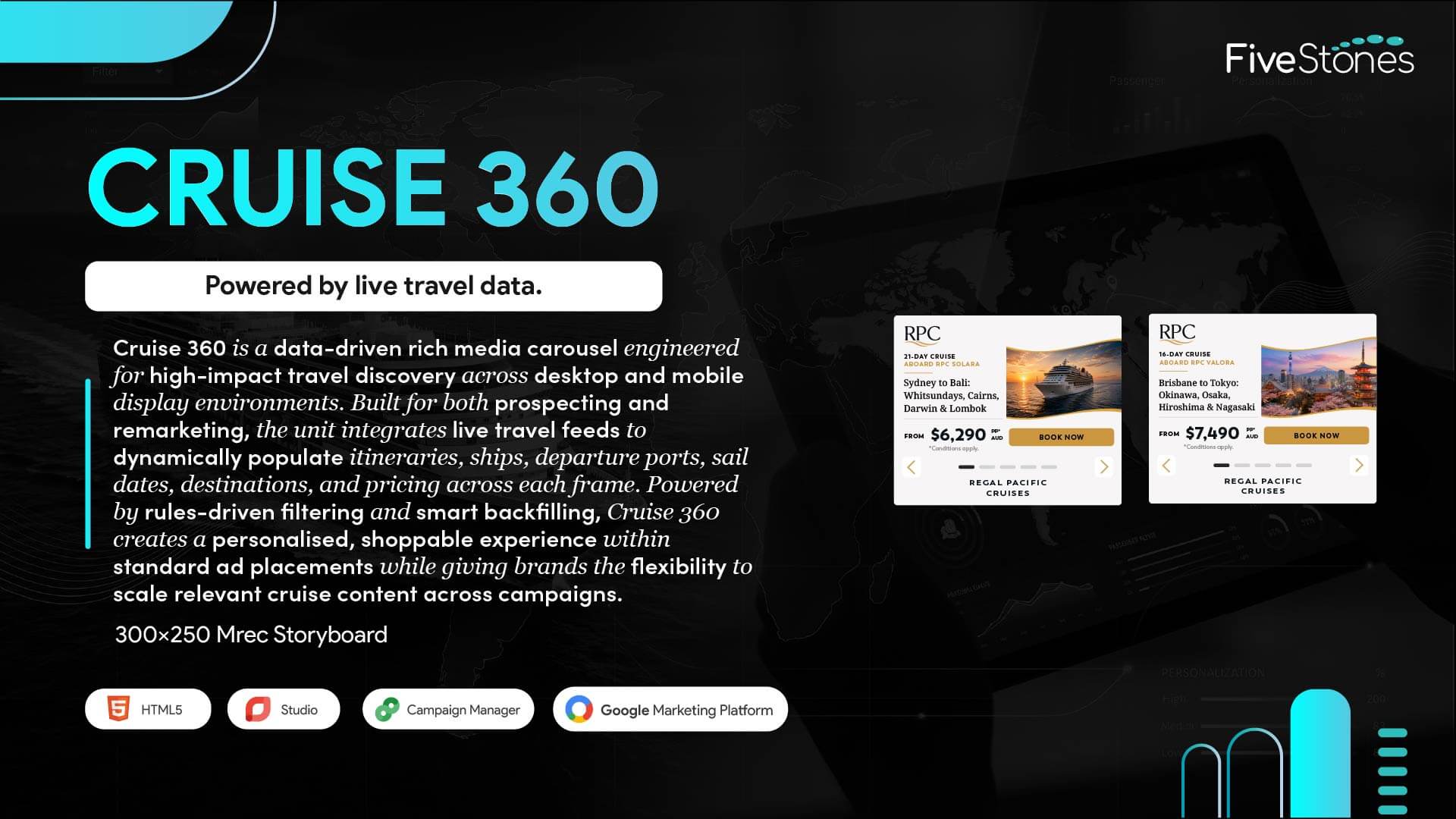
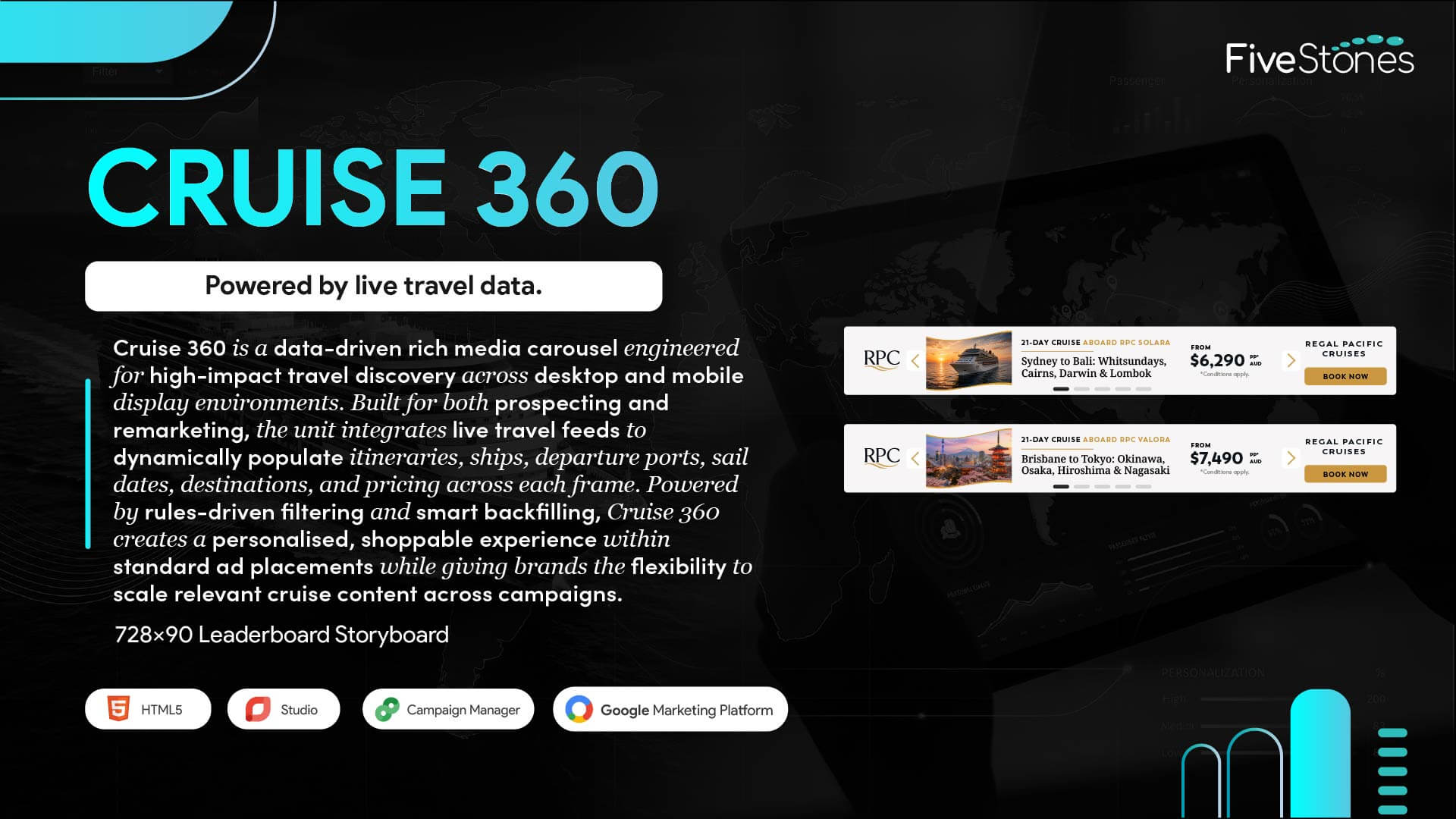
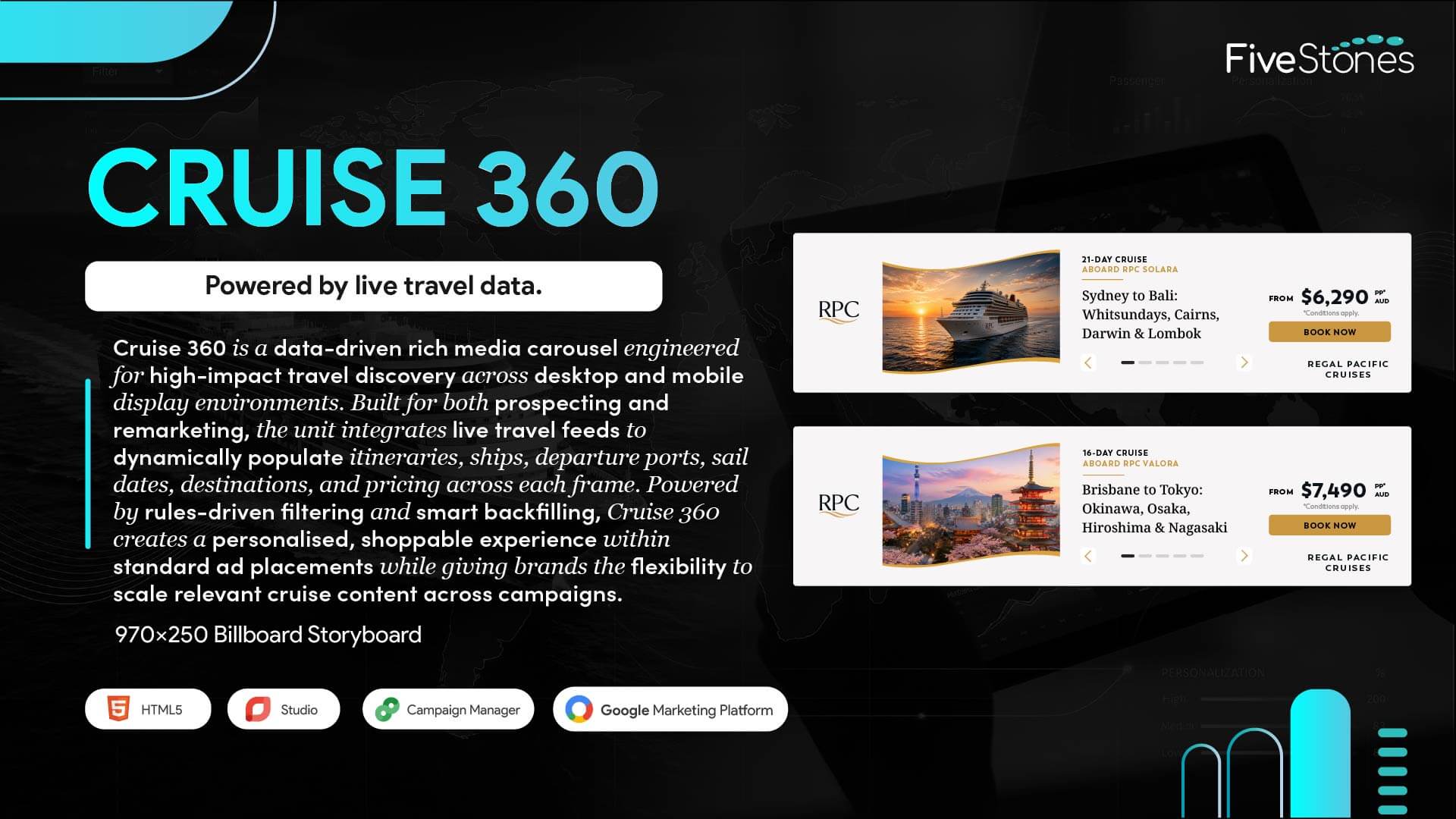
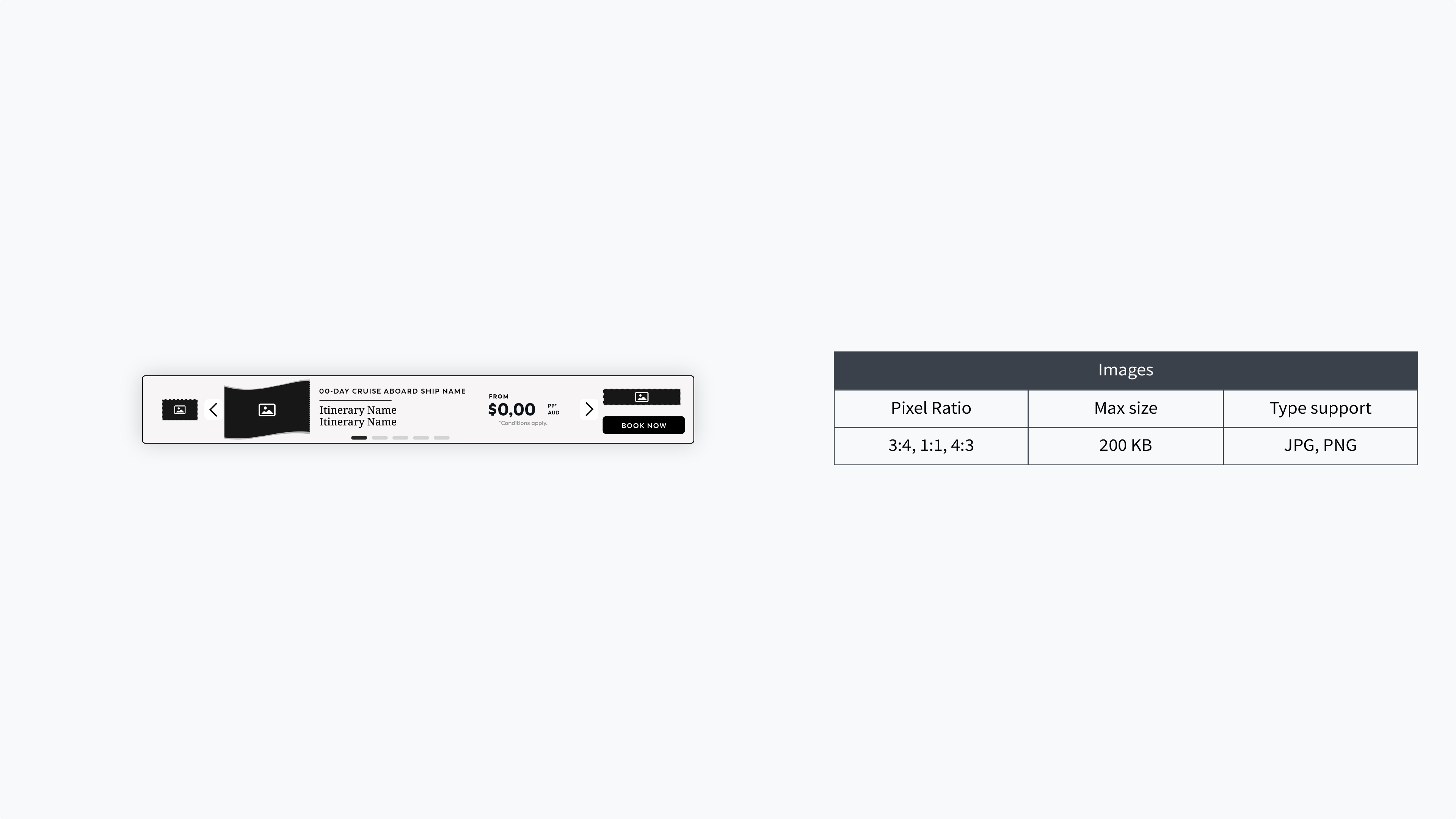
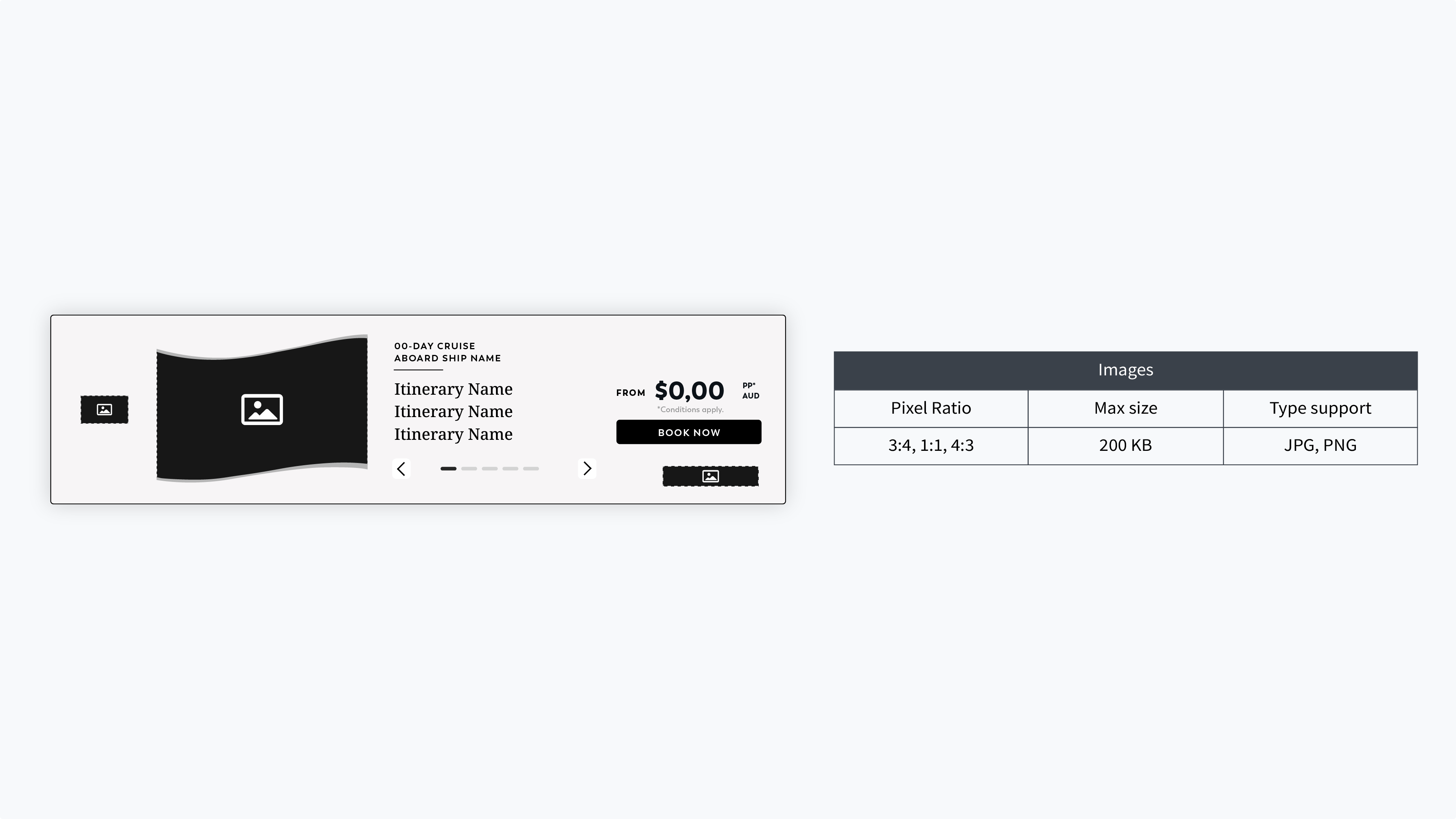
Cruise 360 is a data-driven rich media carousel that uses live travel data to personalise cruise advertising across desktop and mobile placements. It can dynamically showcase destinations, itineraries, ships, departure ports, sail dates, pricing, imagery, and landing URLs within each creative frame.
For prospecting, Cruise 360 supports rules-driven filtering by factors such as market, destination, travel window, ship, or priority set, helping campaigns present relevant cruise content to new audiences.
For remarketing, Cruise 360 can re-engage users with previously viewed cruises, updated fares, and itinerary-led messaging.
Cruise 360 can use a cruise feed containing destination, ship, sail date, departure port, price, image, and landing URL data. This information is dynamically bound to the creative to populate the cruise experience.
Smart backfilling helps keep the creative experience flexible when rules-driven filtering is applied to available cruise inventory, supporting scalable deployment across campaigns.
Cruise 360 is designed for Google Marketing Platform Studio and Campaign Manager 360 (CM360).
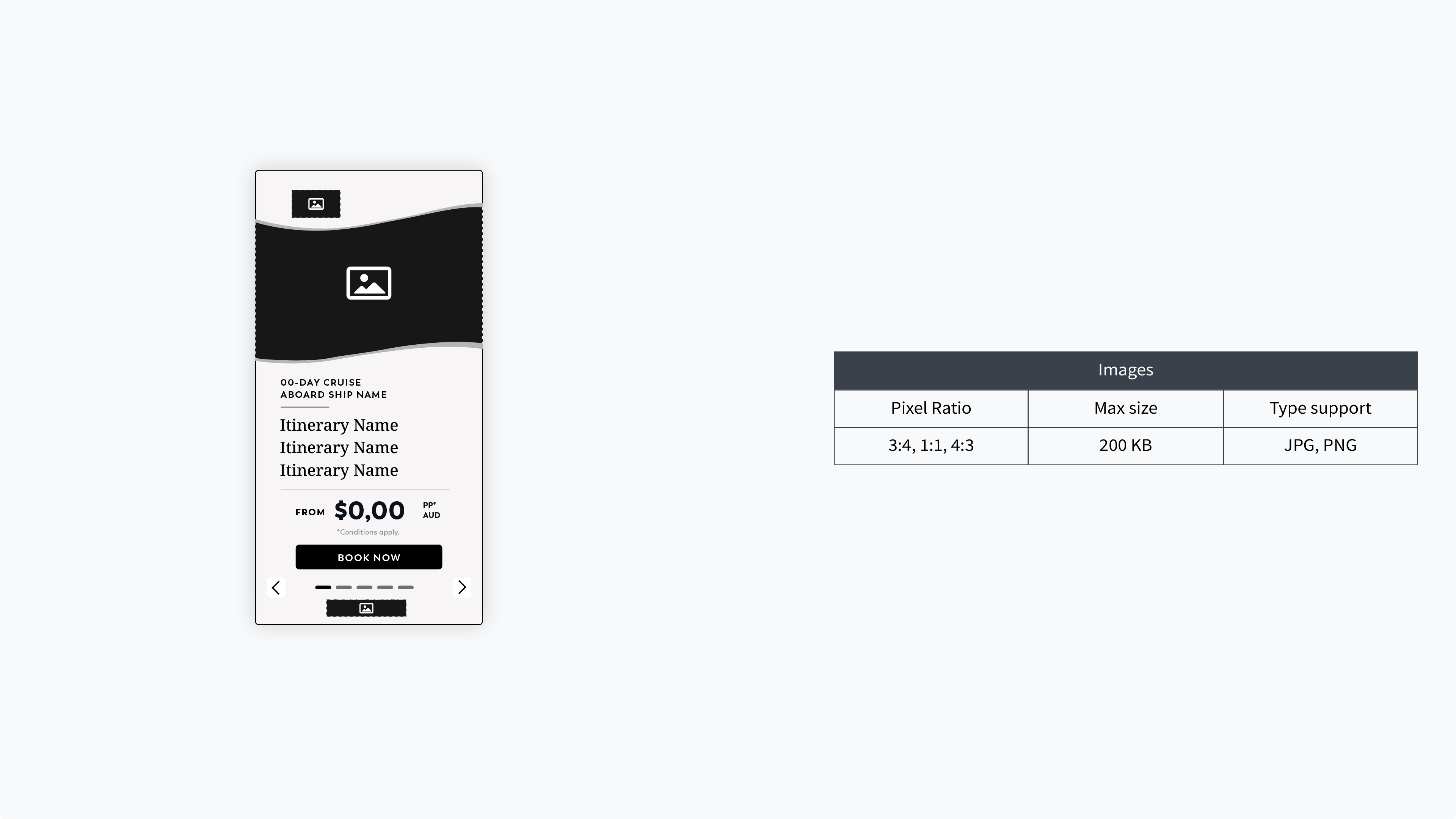
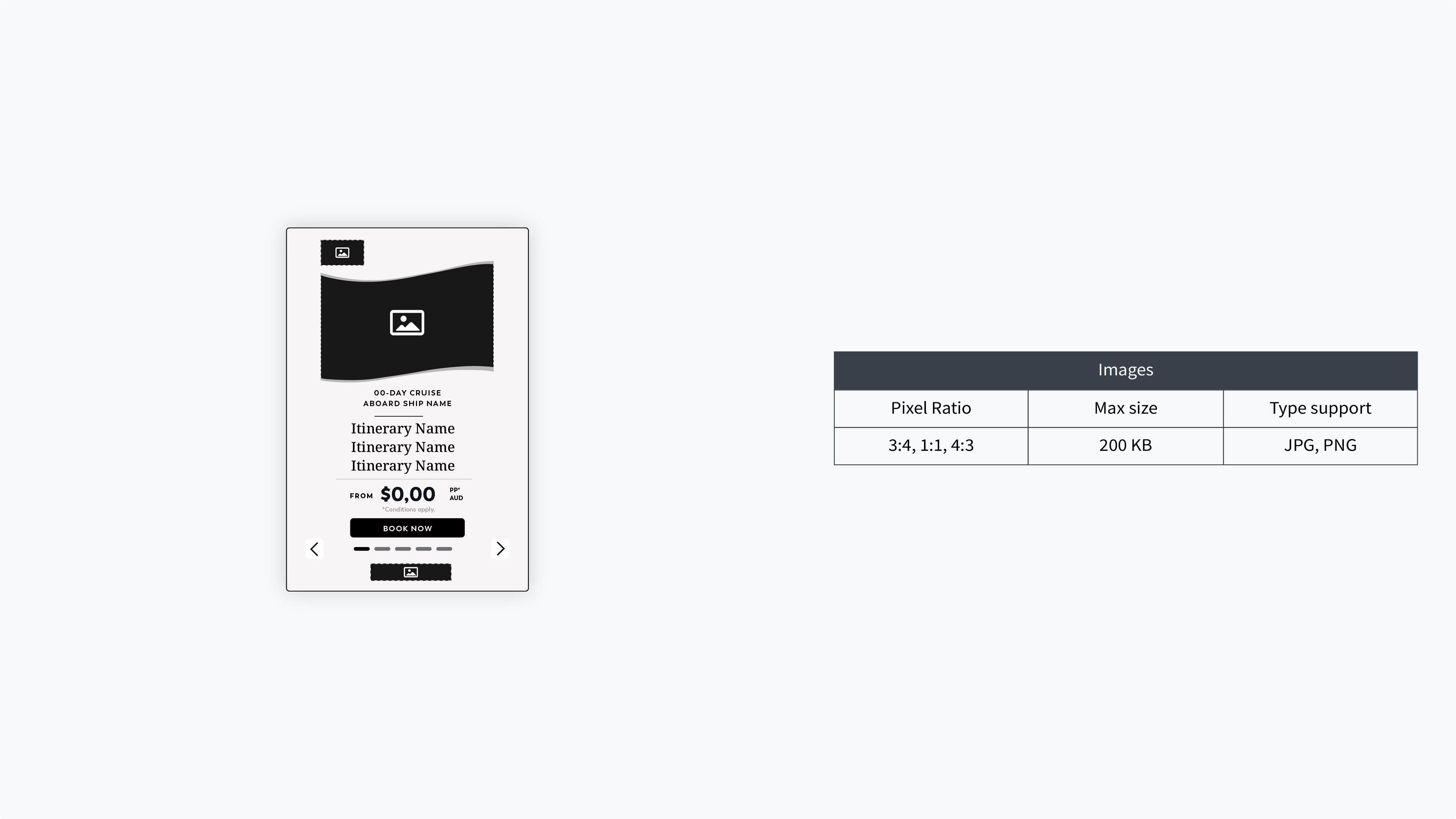
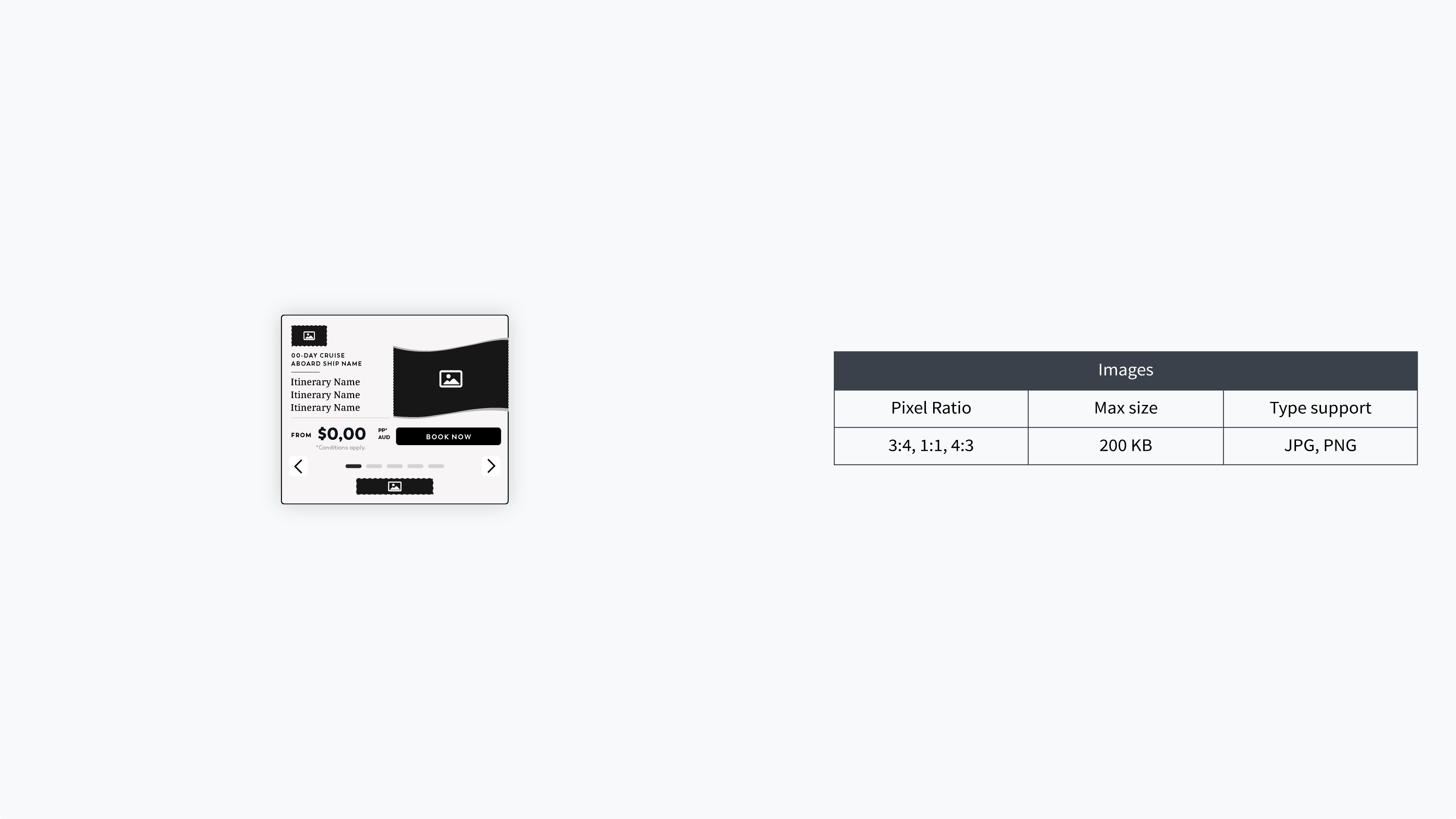
Cruise 360 supports Mobile Web and Desktop placements and is available in 300×600, 320×480, 300×250, 728×90, and 970×250 sizes. Other sizes available upon request.
Feed images should be JPG or PNG files in RGB color mode, with a recommended file size of under 200 KB per image. Preferred aspect ratios are 3:4, 1:1, and 4:3, with 4:3 (400×300) specifically listed as a preferred pixel ratio.
Google Studio does not support WebP, AVIF, or CMYK-based image formats for the feed images.
Publisher specifications commonly restrict the total ad size to 2 MB, including the creative's images and other assets. Keeping feed images under 200 KB is recommended to help ensure lightweight creative and reduce the risk of rejection on exchanges.
Yes. Cruise 360 supports both a Classic Image Treatment, featuring clean rectangular imagery, and a Custom Branded Image Treatment, which can use curved image treatments aligned with a brand's visual identity.
Yes. The carousel format is designed to dynamically populate multiple cruise options, allowing different itineraries and associated information to appear across creative frames. The guide demonstrates examples featuring different routes, ships, durations, destinations, and prices.
Cruise 360 is positioned for Awareness, Consideration, and Conversion campaigns, making it suitable for campaigns across different stages of the customer journey.
Rather than relying on a single static cruise message, Cruise 360 brings structured travel data directly into the creative. This allows the experience to showcase changing cruise content including itineraries, destinations, ships, dates, and pricing while rules-driven logic helps determine which content is presented.
Yes. In addition to its data-driven functionality, Cruise 360 supports custom image treatments that can be adapted to a brand's visual identity, allowing the dynamic experience to retain a more distinctive branded look and feel. FiveStones can develop ads in custom styles based on the brand's needs.